CranScan turns your camera into a document & receipt scanner that reads the text — Cyrillic and Latin — entirely on-device. Optional on-device AI understands receipts. No account, no ads, no CranScan server.
Three taps from a paper receipt to searchable, itemized data — all on your device.
Point your camera at a page or receipt. CranScan finds the edges, straightens the perspective and crops it clean — or import a photo you already have.
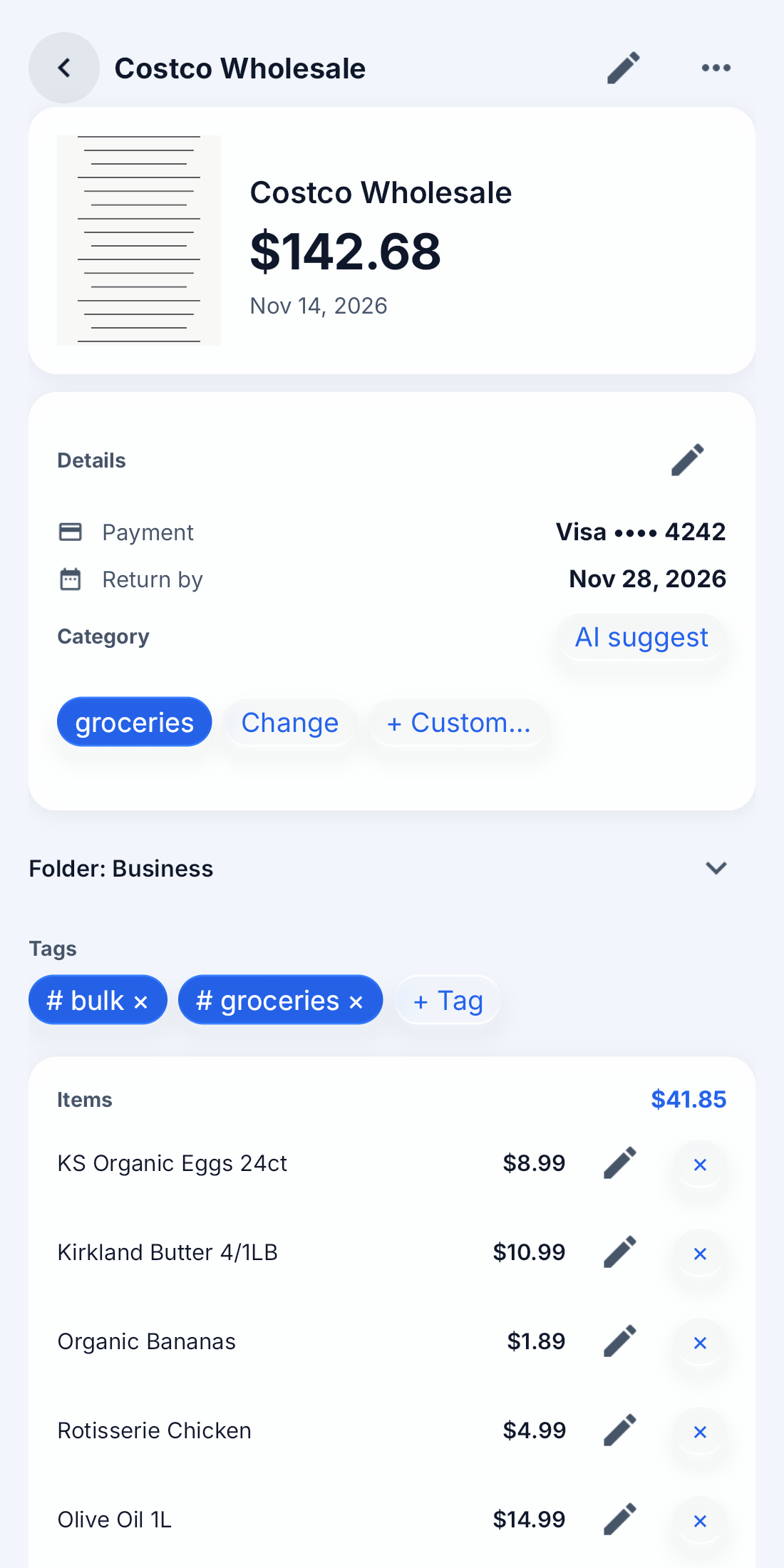
On-device OCR reads the text in Cyrillic and Latin scripts and parses receipts into merchant, date, total and line items — no internet required.
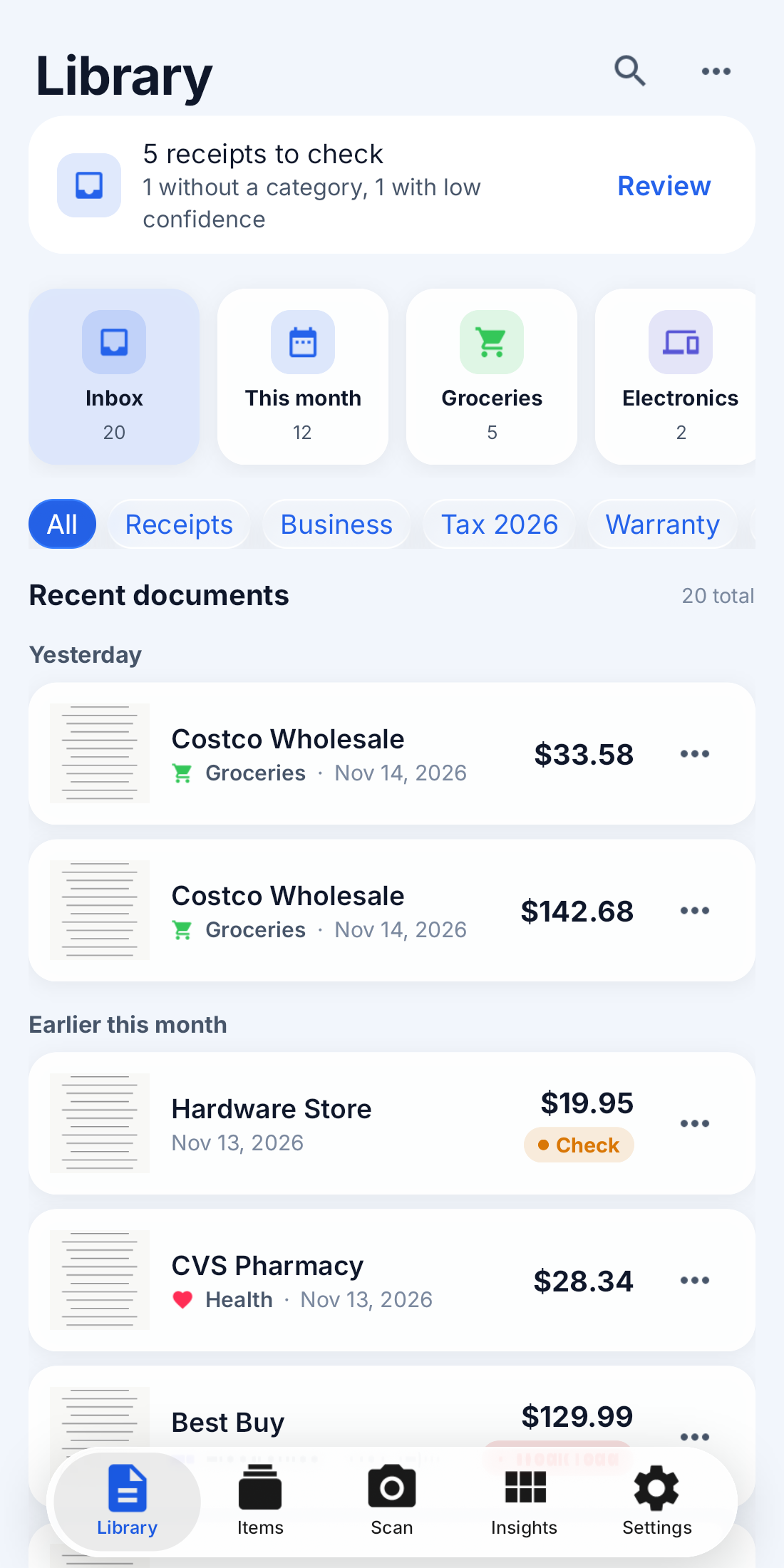
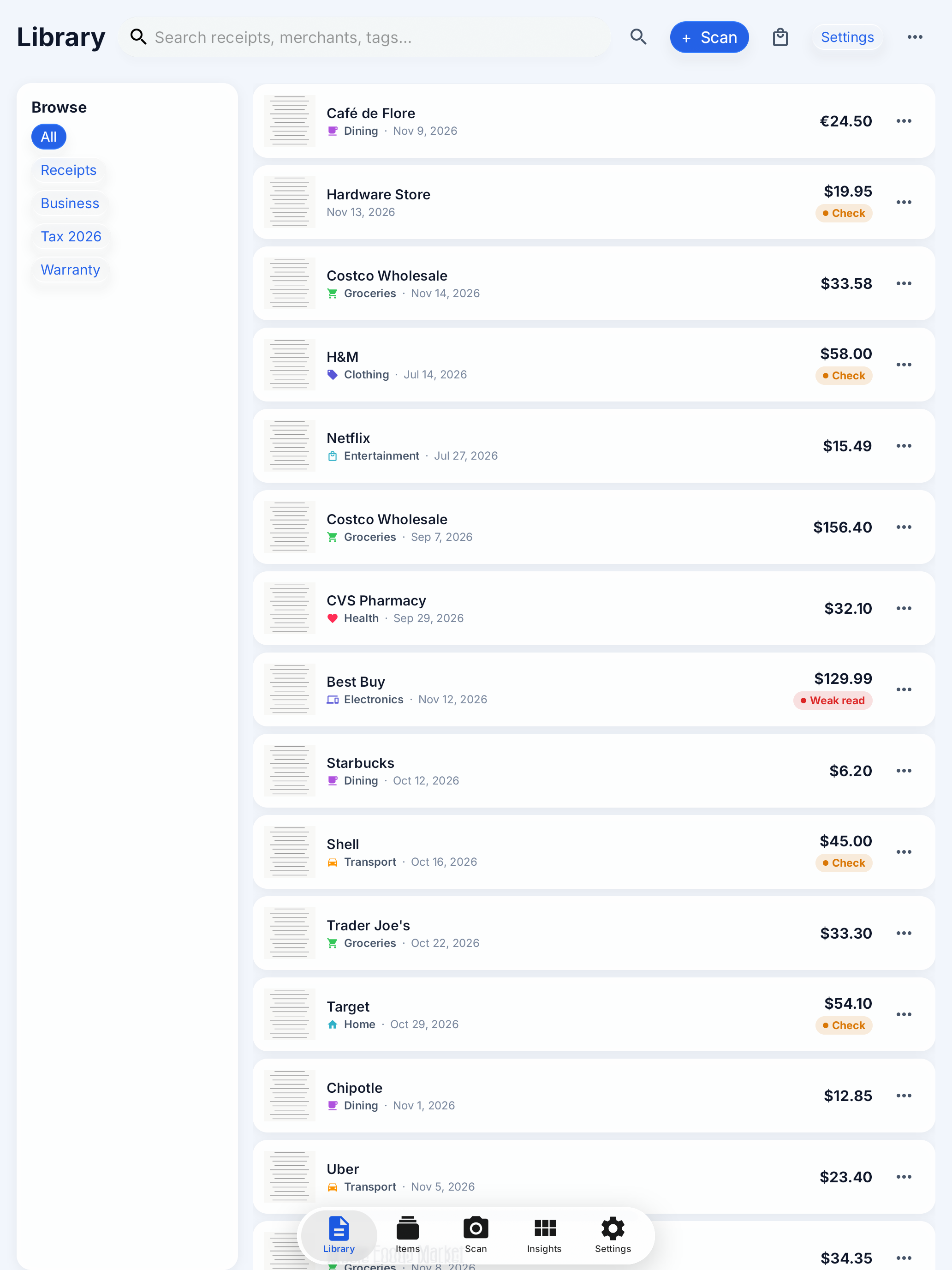
Everything lands in folders and tags with full-text search, spending analytics, and one-tap export to PDF, JPEG, TXT or CSV.
A full scanner with no server of its own.
Reads Cyrillic and Latin scripts on-device — Serbian, Russian, Ukrainian, Belarusian and Western-European text — with high-accuracy detection built in. Extra language packs download on request.
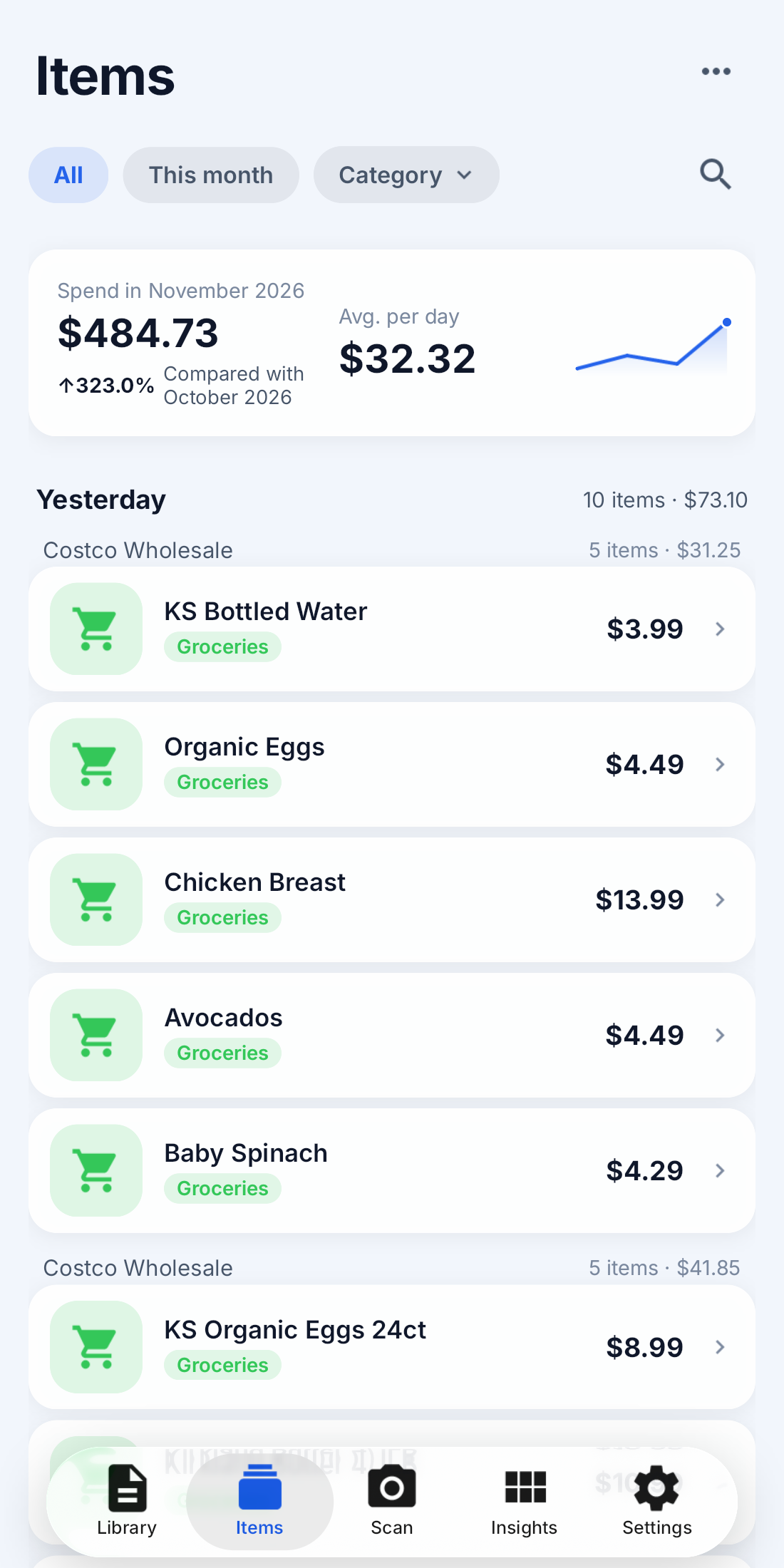
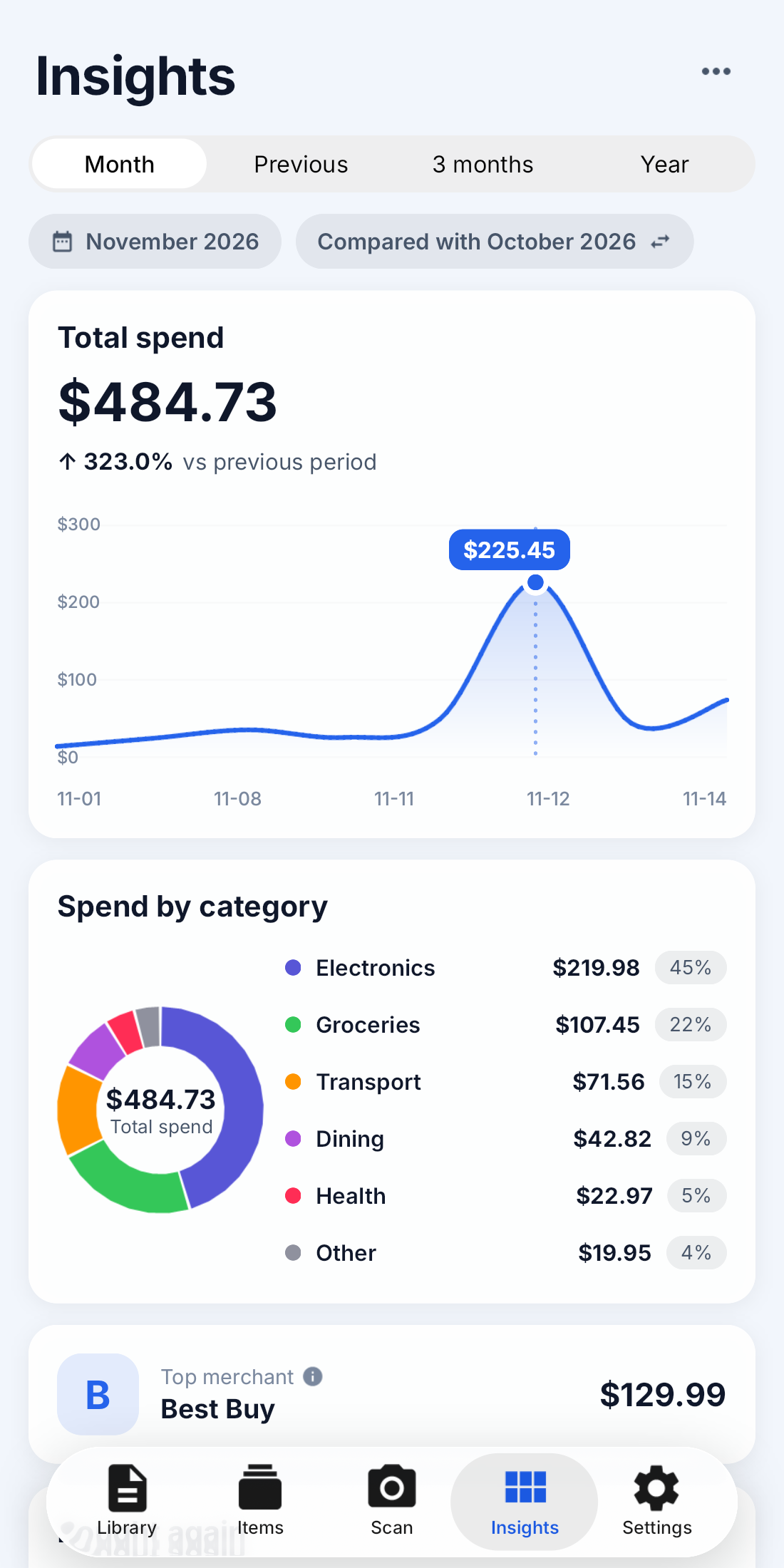
Extracts merchant, date and total, itemizes line items with quantities and prices, and rolls it all up into spending analytics by category, month and merchant.
Download a vision-language model (Qwen3-VL) that runs entirely on your phone to read tricky receipts more accurately and suggest categories and tags — still 100% offline.
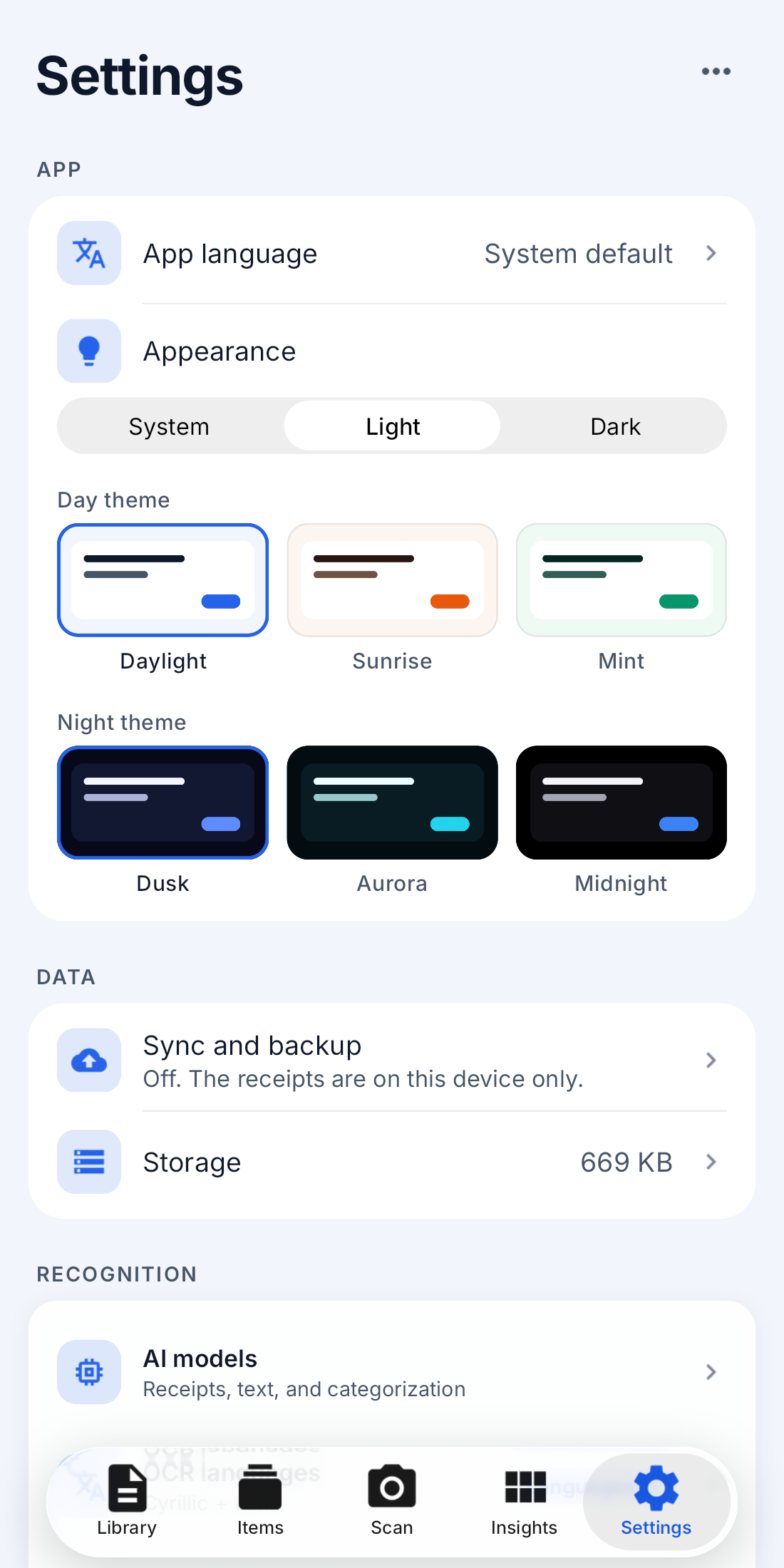
No account, no ads, no tracking. Documents are processed on your device. The app uses the network for sync that you set up and for packs you download.
Folders, tags, full-text search, a bin with restore, and export to searchable PDF, JPEG, TXT and CSV. A Storage screen removes original photos and scan work files.
Sync through a folder you choose, such as a cloud drive, a Tailscale drive or a WebDAV address, or directly between two phones on the same Wi-Fi. A password that you type once on each device encrypts the files. A new phone gets the library back from the folder.
One codebase, one purchase. The layout adapts from a single-hand phone view to a two-pane tablet workspace — the same private, offline scanner on every screen.
Scanning, text recognition, receipt parsing, search and AI all run locally. There is no account and no server to trust. Sync, when you turn it on, writes encrypted files only to your folder or your other phone.